Re-posted from: https://blog.esciencecenter.nl/use-julia-to-write-code-that-runs-on-any-gpu-3710cc8362da?source=rss----ab3660314556--julia
How to write Julia code than can run on any GPU, and why you would want to do that.
As the name implies, the main use of Graphics Processing Units is to process and render things to your screen, such as images, videos, or video games. Almost any device that has a display will have a GPU, although this can also come in the form of a chip integrated in the CPU instead of a separate graphics card. When using applications such as Google Maps, YouTube, or Netflix, the GPU renders the image/video to the screen more quickly and efficiently compared to the CPU. This can result in lower power consumption and a better user experience.
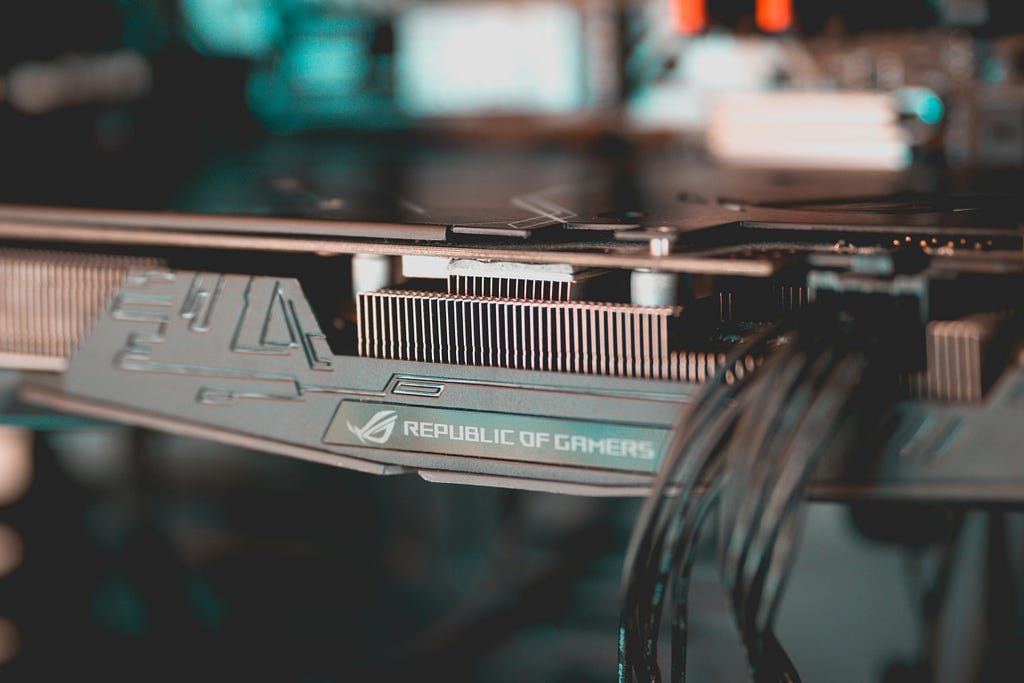
To be able to render things to screen quickly, GPUs are able to do a lot of computations in parallel. Besides just graphics rendering, doing many computations in parallel can also come in use elsewhere, such as in (scientific) numerical models, and especially relevant recently, machine learning.
Before the release of Nvidia’s CUDA platform in 2007, people would use routines designed for graphics processing (like shaders), for non-graphics purposes such as numerical solvers for the Navier-Stokes equations. However, with CUDA, and soon after also OpenCL, it became more straightforward to write General Purpose GPU code.
When writing code for CUDA, you are locked into Nvidia designed GPUs, and the code cannot run elsewhere. With OpenCL, it was possible to write GPU code that can run on many platforms. While it can still work well on most hardware, it is seeing less and less support from Apple and Nvidia, who prefer to push their own proprietary platforms (Metal and CUDA).
Writing generic GPU code has a few benefits however, as you are not tied to a certain vendor, and there is a larger possible user base and thus more use cases. For example; accelerating a scientific model with GPU impacts both for laptop and high performance computing users.
To continue writing GPU code that can run on any hardware you can make use of Julia’s GPU ecosystem. With the KernelAbstractions.jl package you can write a kernel (a function that runs on a GPU and executes in parallel) that will work on any of the supported backends. Currently supported are Nvidia’s CUDA, AMD’s ROCm, Apple Metal, and Intel oneAPI. Which means that nearly all modern GPUs are supported, ranging from small laptops to supercomputers.
Julia example
To get started, after installing Julia, you can initialize arrays on the GPU with the appropriate backend package. As an example, I will use oneAPI, but the code will look the same for the other backends. The following line is the only one that’s machine dependent:
import oneAPI.oneArray as GPUArray
Having imported this, we can define arrays on the GPU. In this case a 2D matrix containing single-precision floating point numbers:
A = GPUArray(ones(Float32, 1024, 1024))
Now we can write a kernel. This example comes from the KernelAbstractions documentation, and will simply multiply every element of the matrix by 2:
using KernelAbstractions

@kernel function mul2_kernel(A)
  I = @index(Global)
  A[I] = 2 * A[I]
end
We can apply the kernel to the matrix A :
backend = get_backend(A)
mul2_kernel(backend, 64)(A, ndrange=size(A))
And that’s it! — Note that 64 is the “workgroup size”, i.e., the number of the array elements assigned to one work group. Tuning this parameter can make the kernel run faster.
For simple kernels, there is also the package AcceleratedKernels.jl, which allows you to convert normal loops into GPU accelerated loops by just changing a single line:
import AcceleratedKernels as AK

function cpu_copy!(dst, src)
    for i in eachindex(src)
        dst[i] = src[i]
    end
end

function gpu_copy!(dst, src)
    AK.foreachindex(src) do i
        dst[i] = src[i]
    end
end
The gpu_copy function will run on GPU if dst and src are GPU arrays. Otherwise the function will run on CPU.
Example packages
There are already some great packages that use KernelAbstractions to run on both CPU and any GPU. One of these is WaterLily.jl, a Computational Fluid Dynamics solver. Because it uses KernelAbstractions, they were able to run simulations not only on Nvidia GPUs, but also on AMD GPUs available on the LUMI supercomputer (one of the fastest in Europe!).

The animation above can be generated on a laptop using the CPU or integrated graphics, but can be easily adapted to a higher resolution or 3D simulation to be run on a supercomputer.
The Julia GPU showcase page has many more examples ranging from climate models to bioinformatics.
Conclusion
By using Julia’s generic GPU framework, you can:
- run and debug code locally, on your laptop using your CPU or GPU
- have a larger community of users who can run the code on their own devices
- deploy the code on any supercomputer, e.g., both Snellius (Nvidia GPUs) and LUMI (AMD GPUs)
So next time you need code to be fast and portable, consider using Julia to write code that can run fast, anywhere.
Use Julia to write code that runs on any GPU was originally published in Netherlands eScience Center on Medium, where people are continuing the conversation by highlighting and responding to this story.